
Evaluation Cards for Model Developers
How your model appears in the corpus, how to read what's documented vs. missing, and how to make your evaluation reporting stronger.
Prerequisite: the Quickstart (~6 min) covers the four signals, the five-level hierarchy, and the snapshot model.
Why you should care how your model is carded
Whatever you publish about your model's evaluations, Evaluation Cards re-presents it as a structured record alongside everyone else's, and also shows what you did not disclose. The project treats a published score as a claim and an undisclosed detail as a claim deliberately not made (not an error). That means your card is, in effect, a public read on how legible and verifiable your reporting is.
A high benchmark number with weak signals reads as a weak claim. Most of those gaps are cheap to close, and this guide is a checklist for doing so.
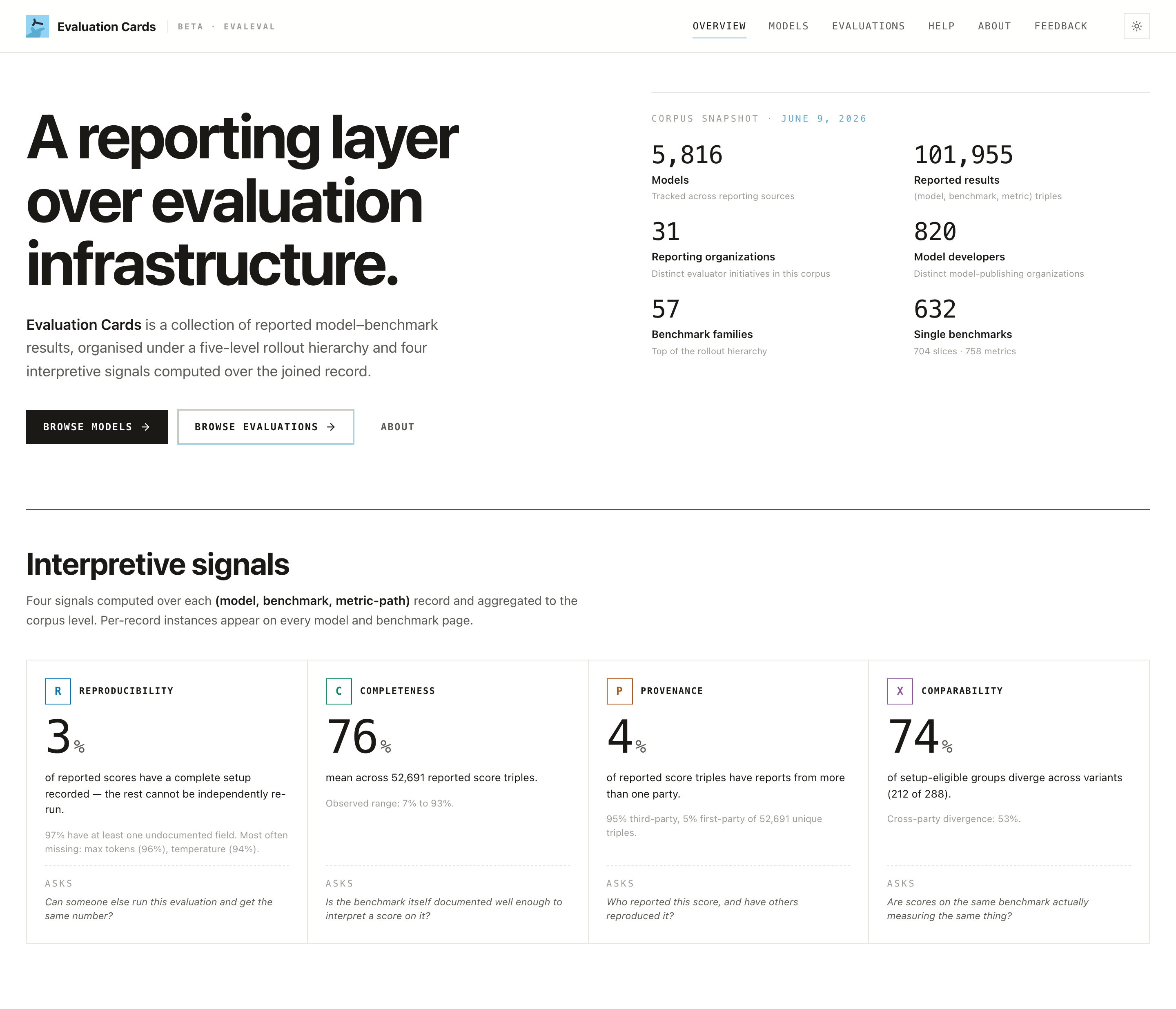
Step 1: Find your model (and your org)
- Models view (
/models): search for your model, filter by parameter range, and open its page.
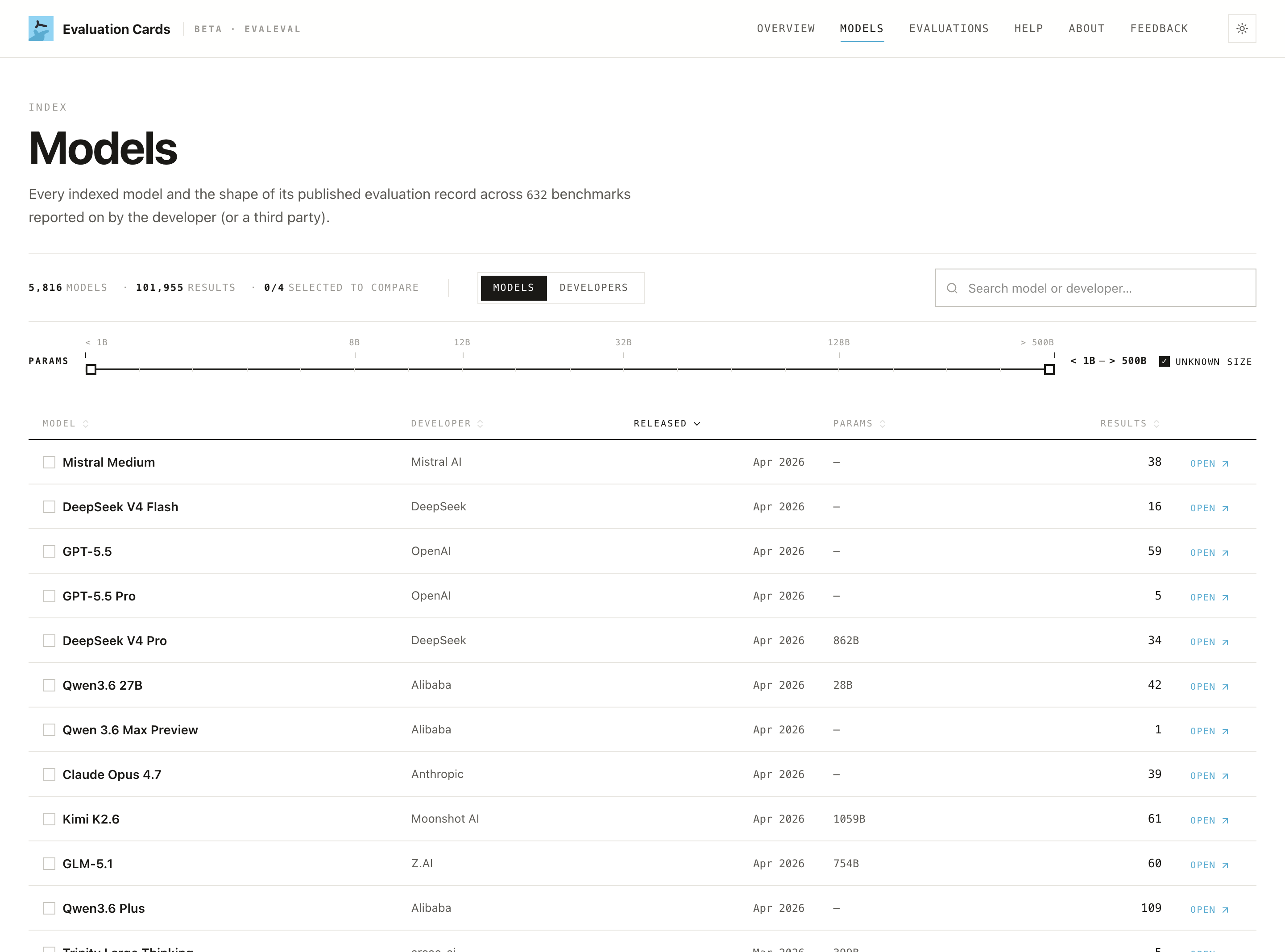
- Developers view: toggle Models → Developers on the same page to see your organization's footprint across all its models.
Step 2: Read your page honestly
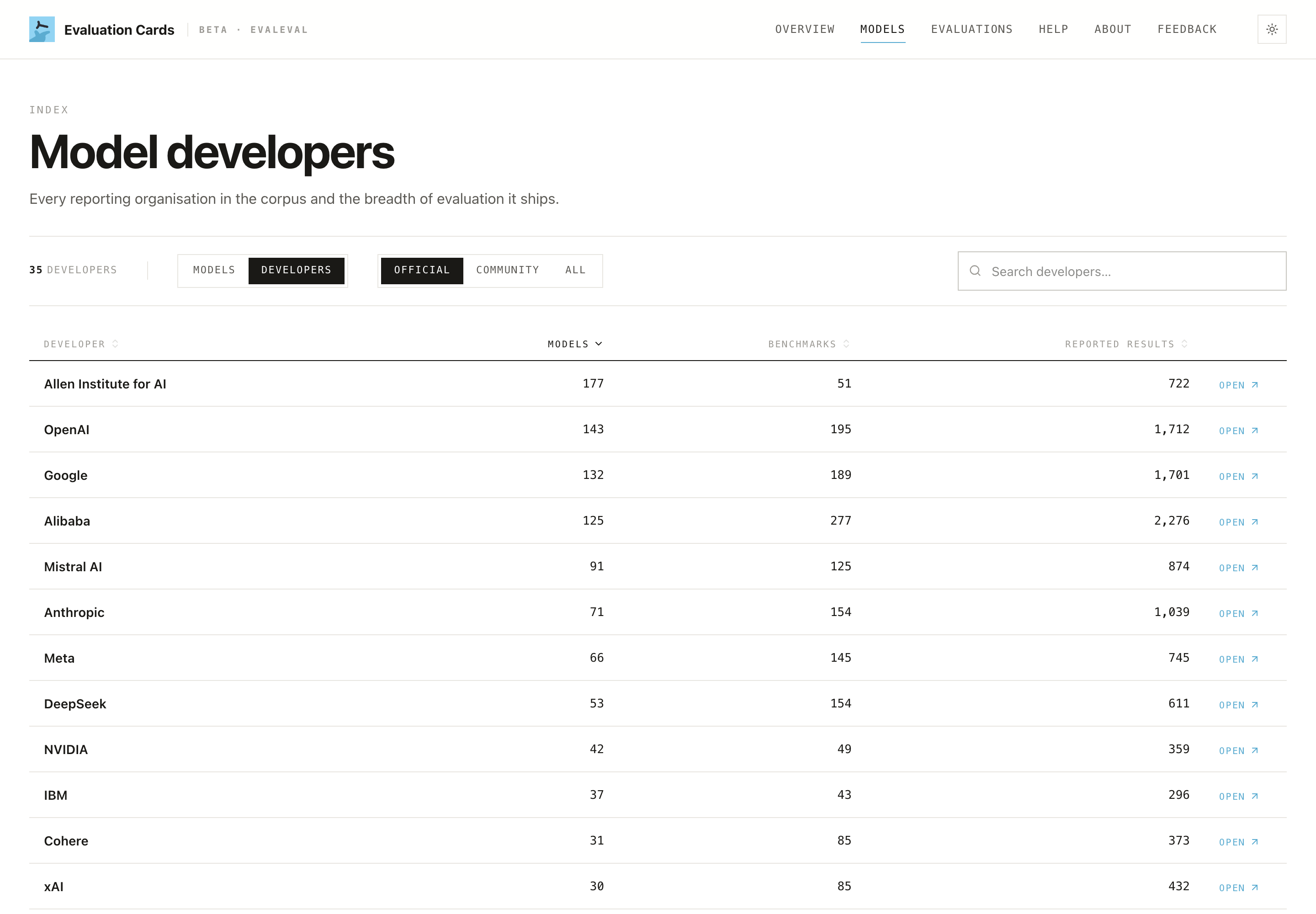
Open your model's page in Summary View, then switch to Researcher View to see the per-result detail others will scrutinize.
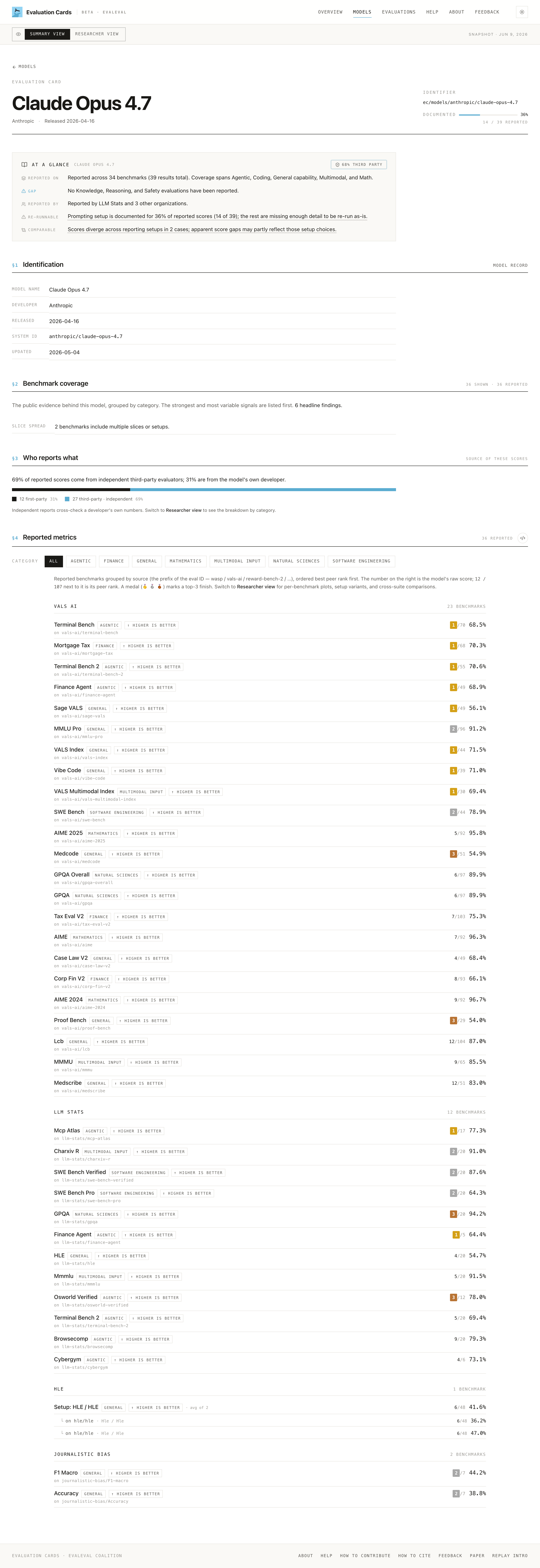
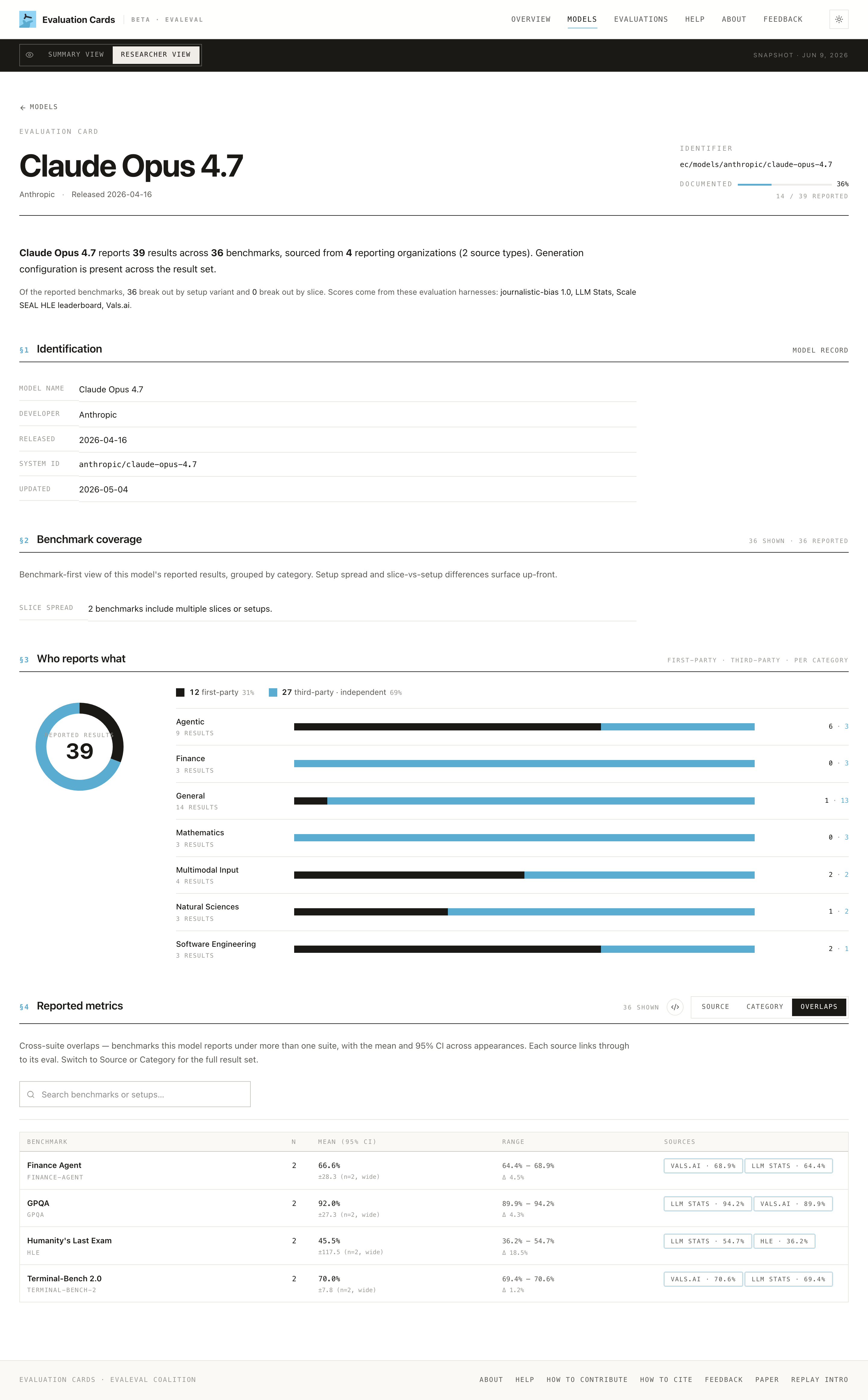
Three things to look at first:
- The
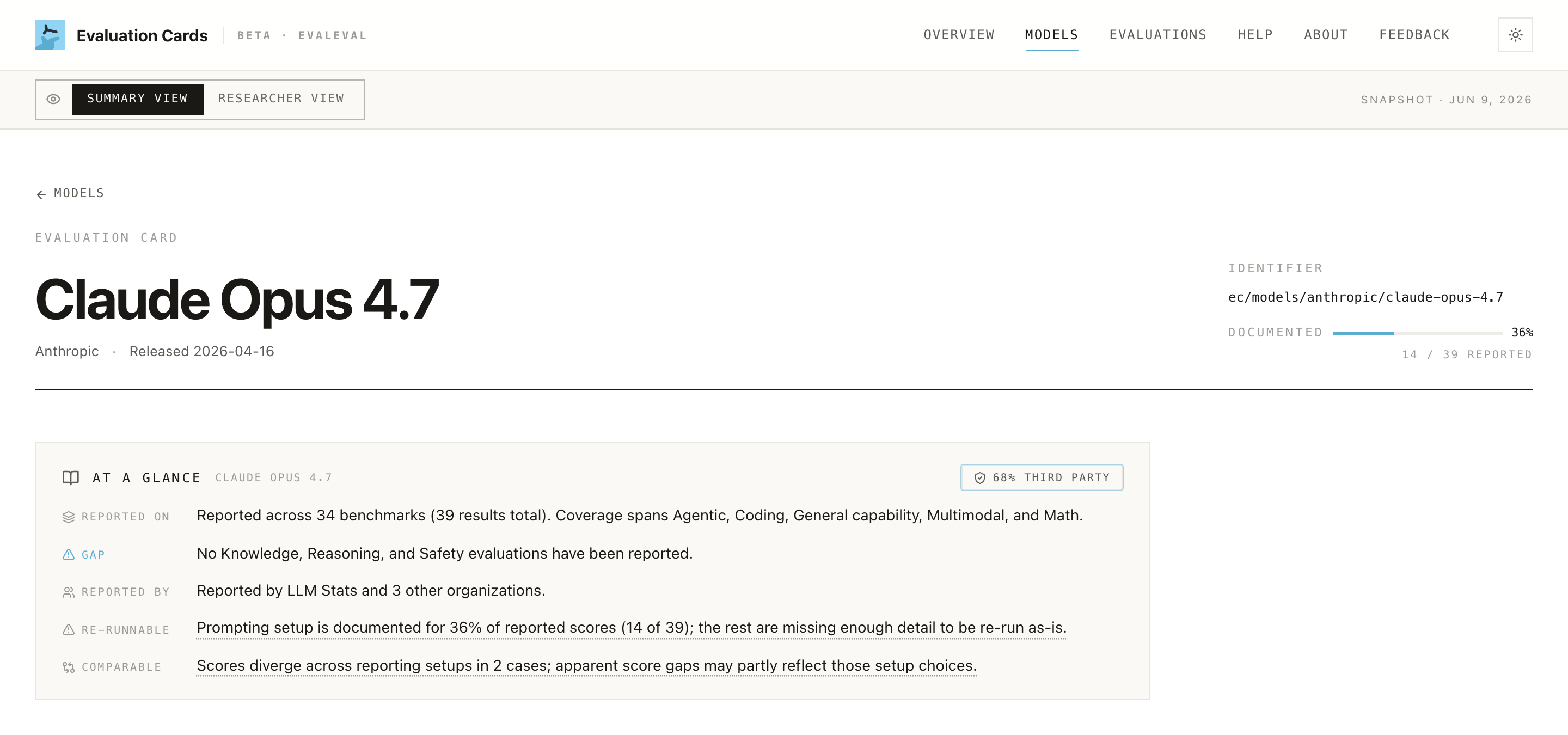
DOCUMENTEDbadge (e.g. "36%, 14 / 39 reported"). This is the headline read on your reporting hygiene: how much of your reported record is fully specified. Treat a low number as a backlog, not a verdict.
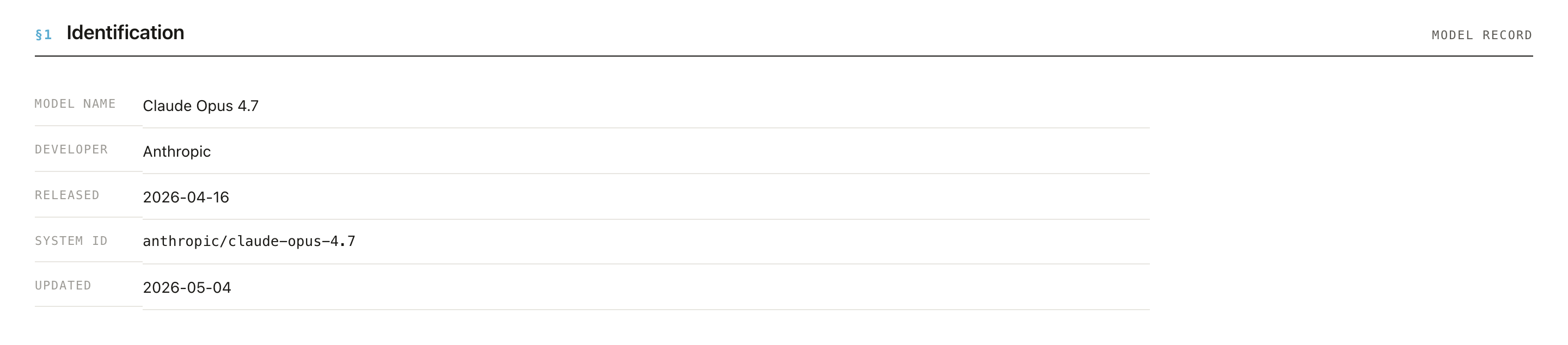
- §1 Identification. Confirm the basics are right: model name, developer, release date, modalities, system ID. Errors here propagate everywhere.
- §2 Benchmark coverage. What categories are present, and where the split spread is. Gaps here are visible to everyone reading your page.

Step 3: Work the four signals as a reporting checklist
Each signal maps to concrete, mostly low-cost actions.
🔁 Reproducibility: make it re-runnable
Disclose, per result: setup variants, prompts, decoding parameters, harness name + version, random seeds, and code/artifacts. Corpus-wide only ~3% of scores have complete setup documentation, so even modest disclosure stands out.
- ✅ Publish the exact harness + version (e.g. the eval framework and commit).
- ✅ State decoding settings (temperature, top-p, max tokens) and seeds.
- ✅ Link runnable code or a config, not just a number.
📋 Completeness: cover the categories that matter
Completeness is judged relative to expectations for your model class. A strong capability record that is silent on safety, robustness, or fairness reads as incomplete.
- ✅ Report beyond the flattering capability benchmarks.
- ✅ If a category is intentionally out of scope, the absence will still show, so consider documenting why.
👤 Provenance & Risk: invite independent evaluation
Your page splits results into first-party (your own) vs third-party (independent), and maps results to IBM Risk Atlas risk domains. A category that is entirely first-party is a visible blind spot: impressive, but uncorroborated.
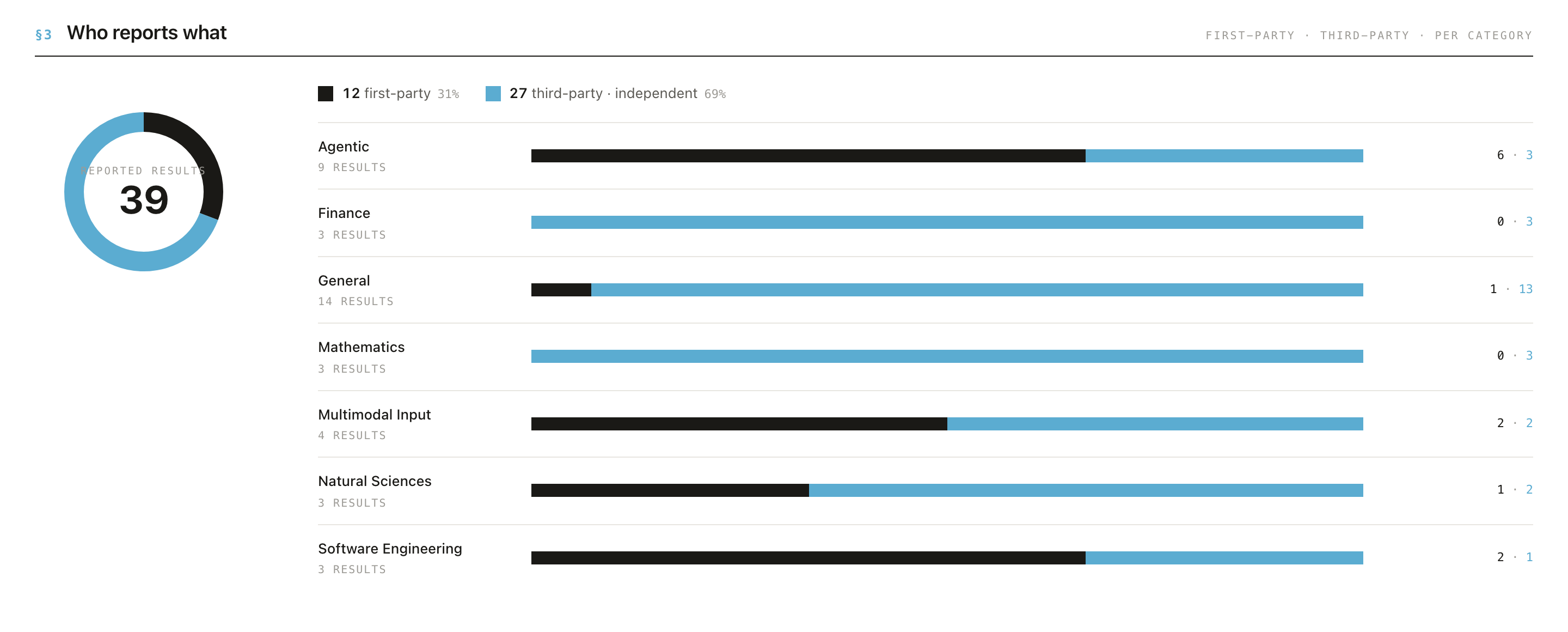
- ✅ Encourage / enable third-party evaluation, especially for safety-relevant claims.
- ✅ Don't expect self-reported numbers alone to carry weight with careful readers.
⚖️ Comparability: report so your scores can be compared
The site flags when two scores on the same benchmark used different splits, metric variants, or units, which invalidates direct comparison.
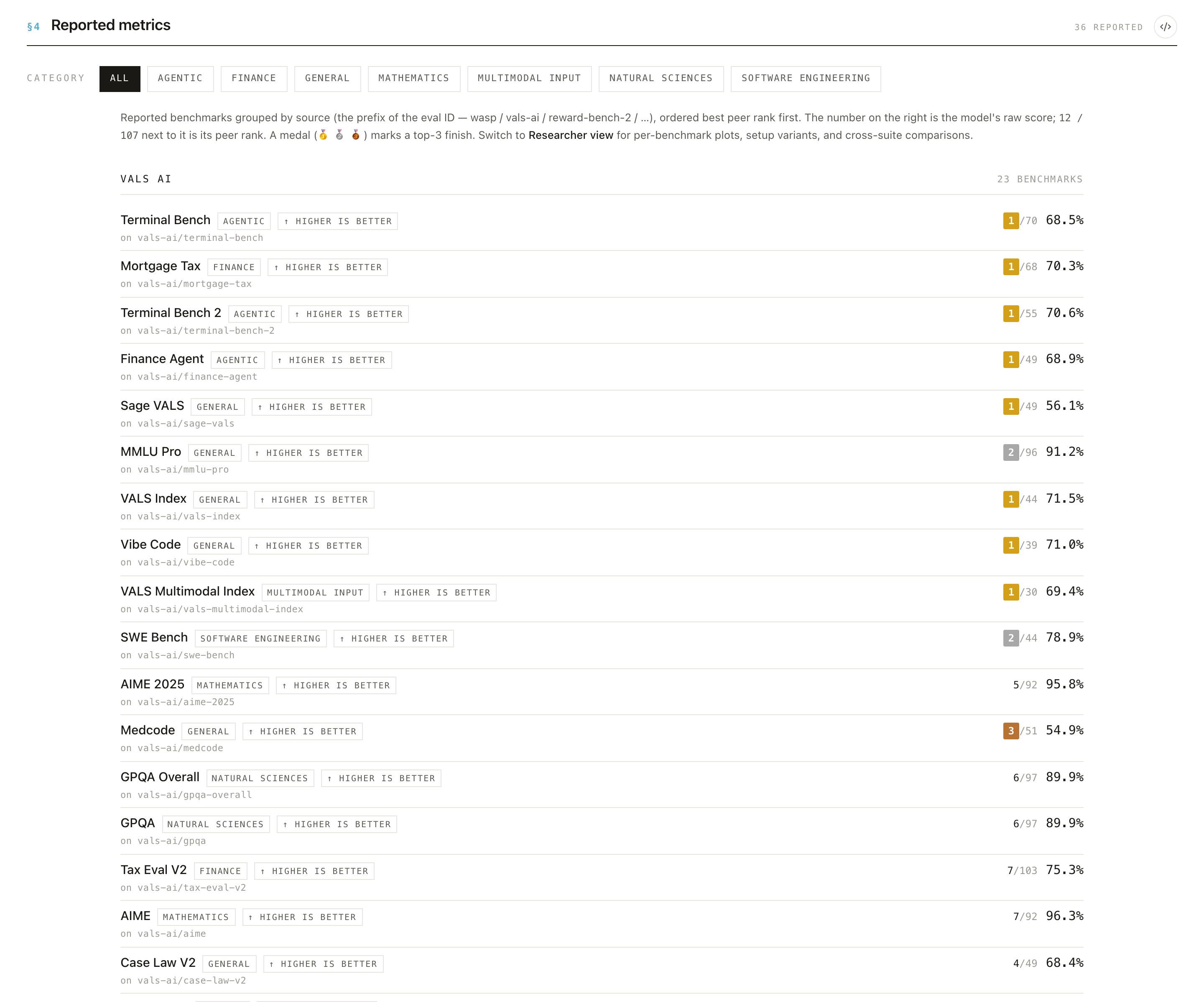
- ✅ Use the standard splits and metric definitions for each benchmark.
- ✅ State units explicitly; don't silently switch metric variants.
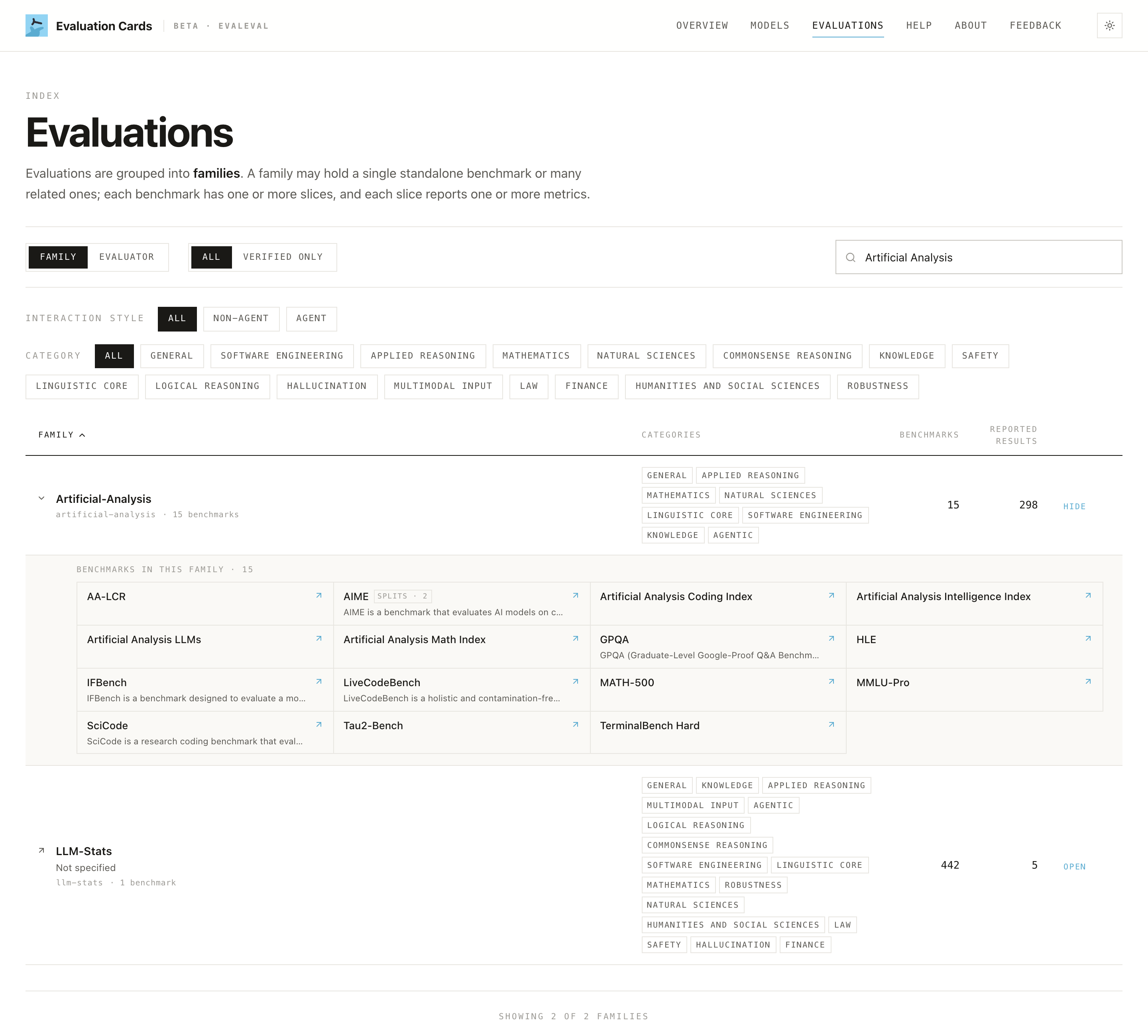
- ✅ Use the Evaluations page to see how others report the same benchmark family.
Step 4: Corrections and snapshots
The corpus follows snapshot discipline: no retroactive edits, only versioned corrections. Practically:
- A number you published is attributed to its source document and tied to a dated snapshot, so it won't be silently rewritten.
- If something is genuinely wrong or missing, the path is a correction in a future snapshot, not an edit-in-place. Keep your own source documents stable and clearly dated so they can be cited cleanly.
- Because nothing is imputed, the fastest way to improve your page is simply to report more, and report it precisely, and the corpus will reflect it on the next snapshot.
A pre-launch checklist
Before your next model announcement, check that each headline benchmark claim ships with:
- Harness name + version, and a link to runnable code/config
- Decoding settings and seeds
- The exact split and metric (with units), matching how the benchmark is normally reported
- Coverage beyond capability: at least some safety / robustness / fairness results
- At least one path to independent (third-party) evaluation for key claims
- A stable, dated source document for every number
Closing these is what moves your DOCUMENTED percentage, and turns marketing numbers into claims that hold up.
➡️ Related: Evaluation researchers (how researchers will scrutinize your page) · Journalists (how reporters will source your claims) · Quickstart.